

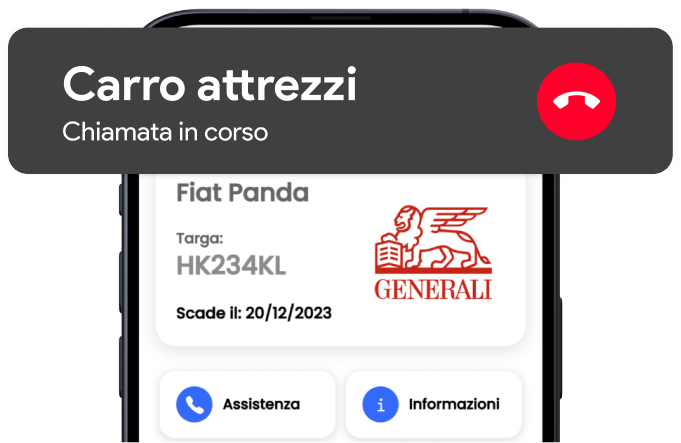
Direct tow truck call
Reach roadside assistance straight from the app, both in Italy and abroad. No number to look up when you need it most.
Free · iOS and Android
Buy, renew and keep all your policies in one place. Your entire insurance life, always within reach.
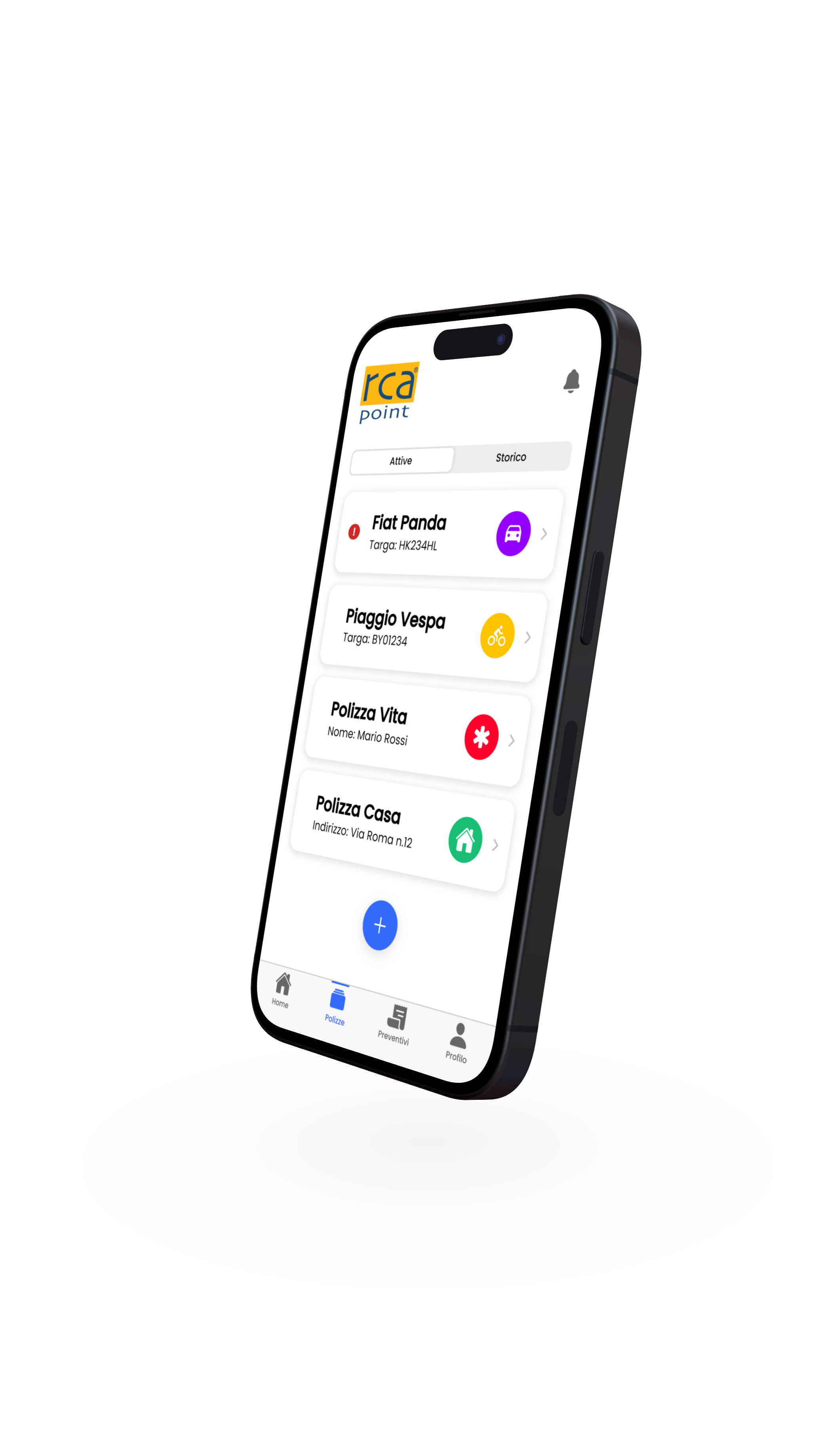
What you can do
Six tools designed to make managing your policies simpler — from a roadside emergency to your yearly renewal.
Reach roadside assistance straight from the app, both in Italy and abroad. No number to look up when you need it most.
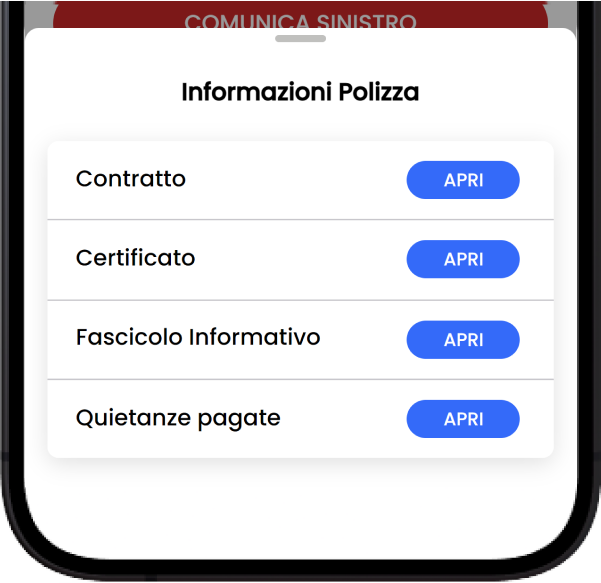
Retrieve every detail of the policy you care about in just a few seconds.
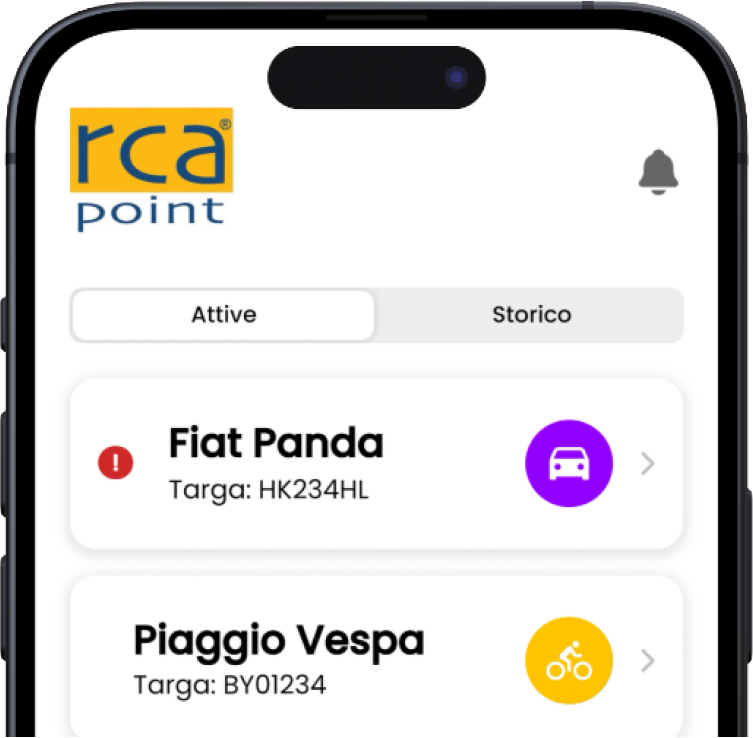
Store and manage every policy from your smartphone, with the same convenience as always.
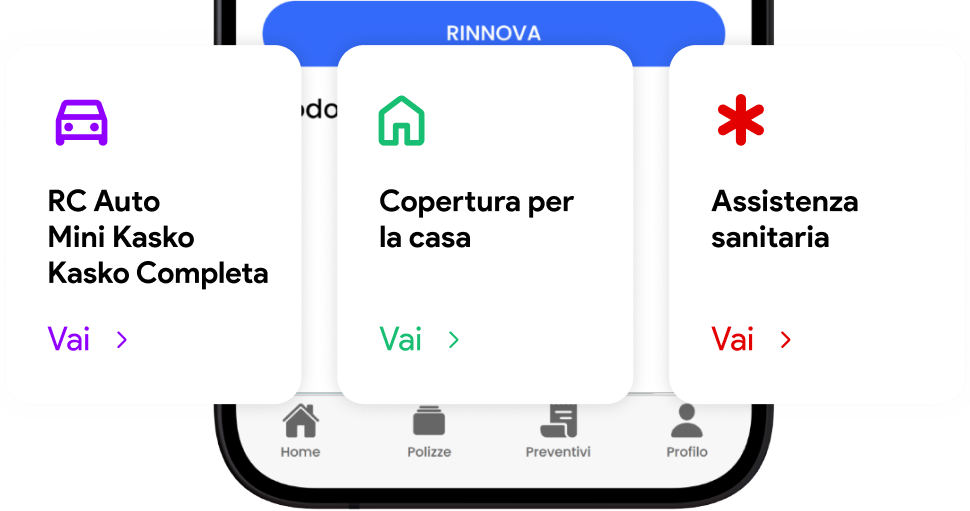
Request assistance on a single policy directly from its page, with no steps in between.
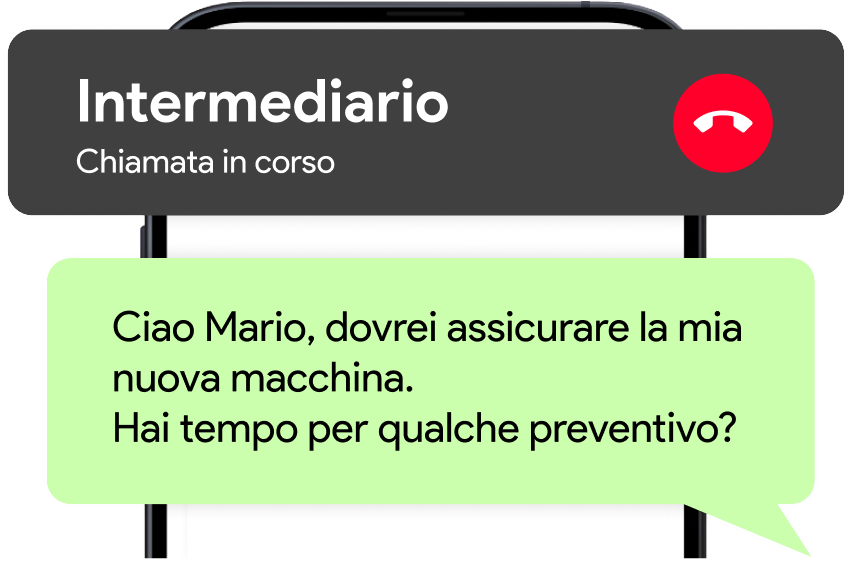
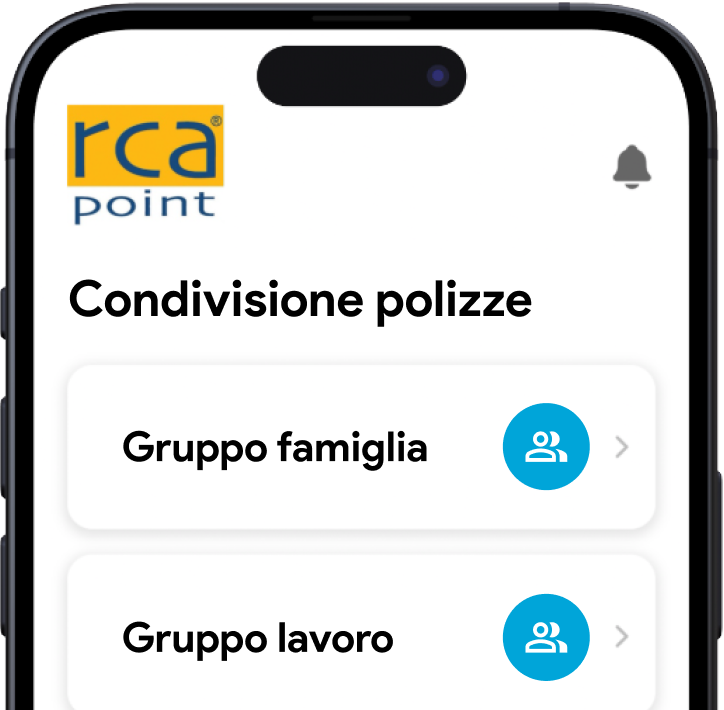
Share the coverage of vehicles used jointly with your family or across your business.
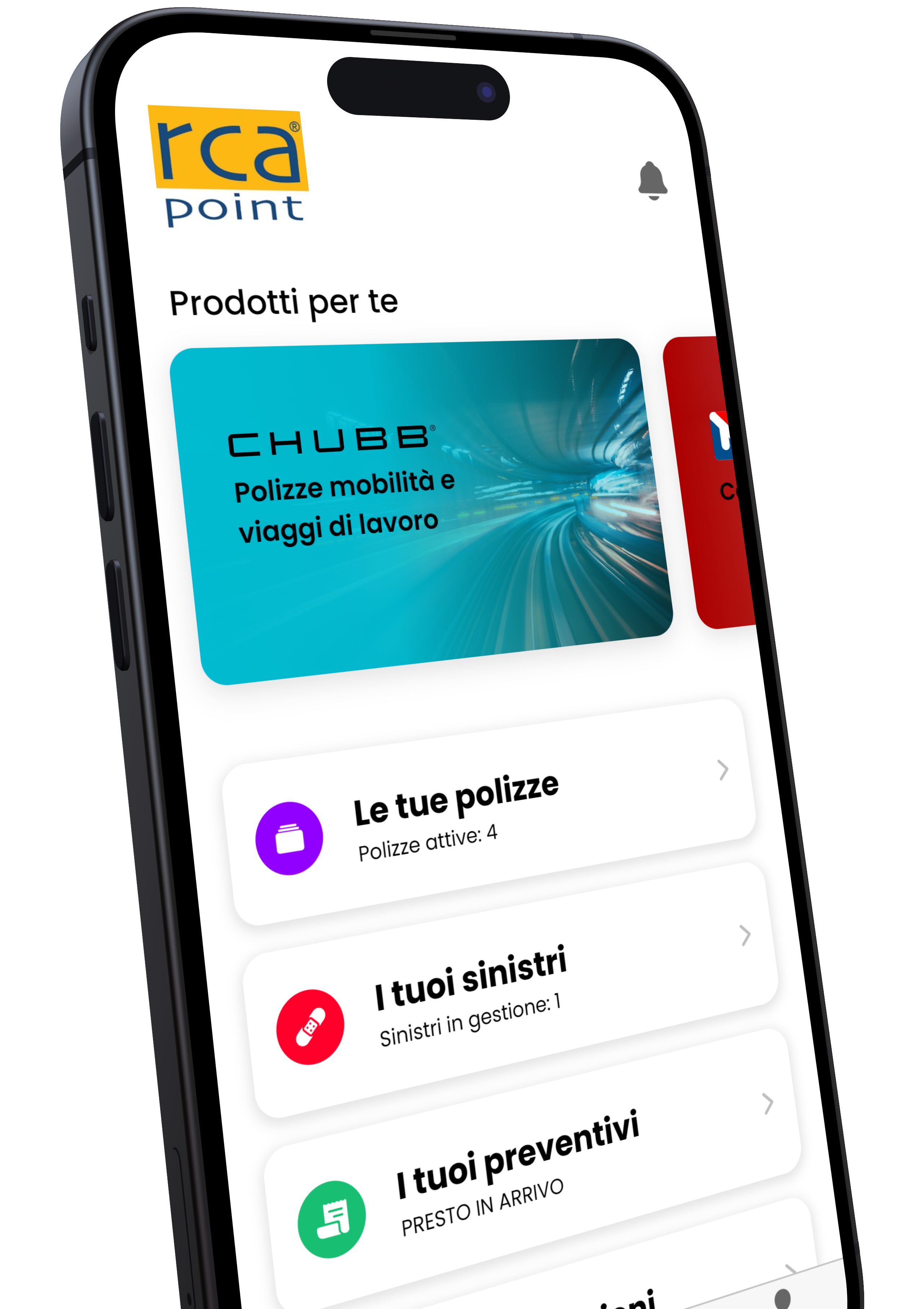
Discover the offers designed for you by the companies available on ZETA.
Download now
It takes just a few minutes to bring all your coverage into one app. It's free, today and always.
Frequently asked
Here you'll find answers to the questions we're asked most often. Can't find what you're looking for? Write to us at info@zeta.insure.
None. The app is entirely free, with no subscriptions and no hidden fees.
Yes, in two ways:
Of course. When an installment is due, the Renew button appears on the policy page: from there you go straight to electronic payment and complete the renewal.
In the policy section you'll find the Assistance button: you can directly call the service dedicated to that type of contract.